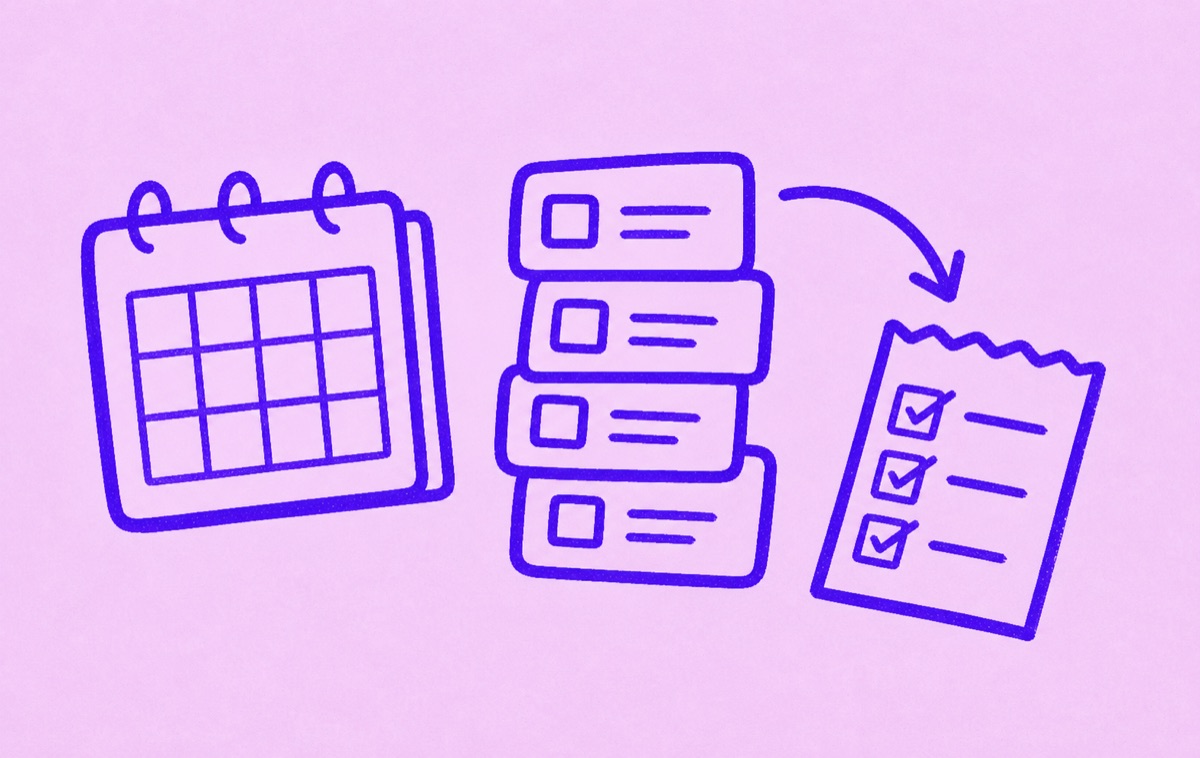
Start by making recurring expenses visible
To budget for recurring expenses, list every payment that repeats, then group it by how often it renews. The goal is to stop treating recurring costs as surprises. Once the schedule is visible, you can decide what belongs in the budget and what should be canceled.
Start with subscriptions, utilities, memberships, software tools, cloud storage, insurance, and annual plans.
Split monthly and annual costs
Monthly expenses are easier to feel because they repeat often. Annual expenses need extra attention because they can distort one month if you forget them.
For annual subscriptions, divide the annual price by 12 to understand the monthly equivalent. That does not change when you pay, but it helps you see the true recurring load.
Separate essential from optional
Use three groups:
- essential recurring bills
- useful subscriptions you actively value
- subscriptions or memberships to review
This is better than labeling everything as good or bad. Some subscriptions are worth keeping. Others only need a reminder before renewal.
Add review dates
Recurring expenses are easier to manage when every optional item has a review date. Free trials should be reviewed before conversion. Annual subscriptions should be reviewed before renewal month. Monthly subscriptions can be reviewed during a regular monthly check.
Orbit helps with the subscription side of this habit. It keeps recurring services, trials, and renewal dates in a focused iPhone list so you can review them before they charge again.
Keep full budgeting separate if needed
If you need category budgets, account syncing, and household cash-flow planning, use a budgeting app. If the main pain is subscriptions and recurring services, Orbit can be the lighter system that keeps those decisions visible.
For a practical review list, read Monthly bills checklist.