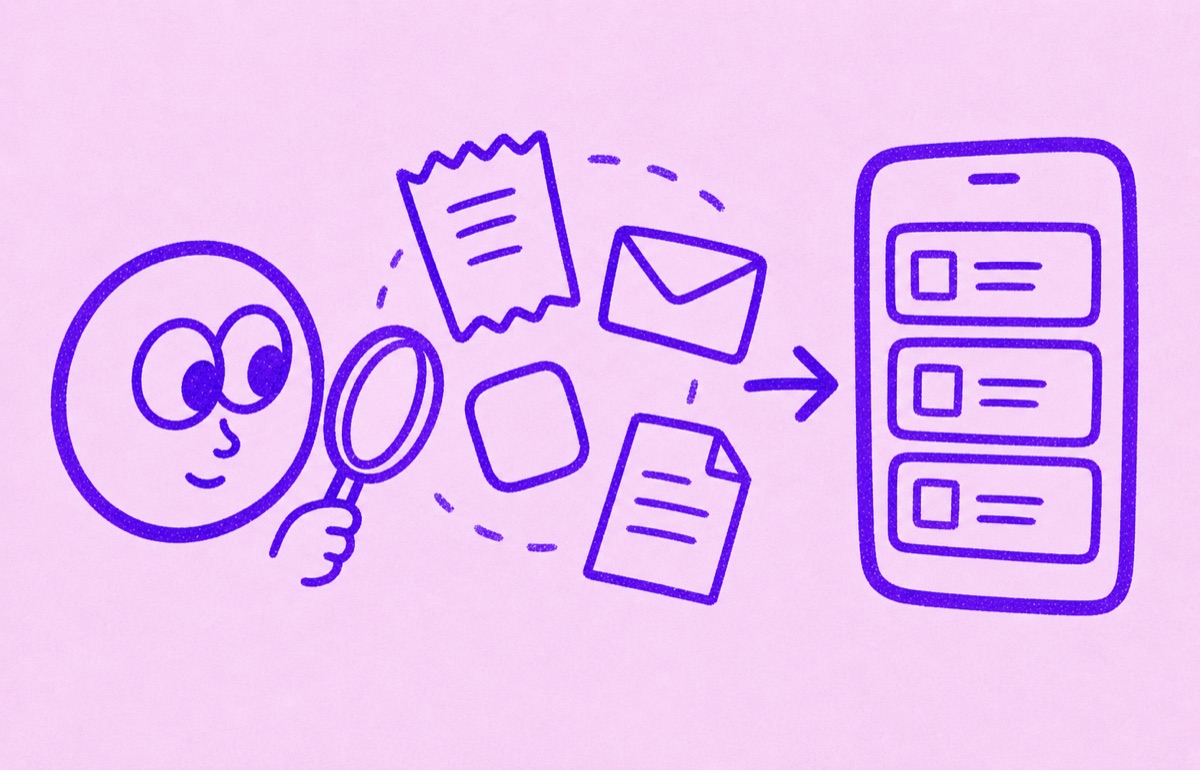
Can an app find everything automatically?
Usually not perfectly. No app can reliably see every subscription across app stores, bank statements, email receipts, direct website billing, PayPal, family plans, and old annual renewals without some gaps or cleanup. Start with the evidence you already have, then use a focused tracker to keep the confirmed list visible and useful.
That is the right expectation to bring to Orbit too. Orbit helps you build and maintain a clearer subscription list. It should not be described as magical full automatic discovery.
Why this is harder than it sounds
Subscriptions do not live in one place.
Some renew through Apple. Some bill through a website. Some show up as a payment processor charge. Some are buried in an old email receipt. Some only appear once a year. Some are shared with a partner, family member, or team.
That is why the first-run job is messy even when the product is good.
A practical subscription sweep
Set aside 20 minutes and work through the sources in order:
- Check Apple subscriptions and Google Play subscriptions.
- Review bank and card statements for recurring merchants.
- Search email for receipts, renewal notices, and free-trial messages.
- Check PayPal and other recurring-payment sources.
- Ask partners, family members, or team admins about shared plans.
- Move the confirmed subscriptions into one place and mark uncertain charges for a second look.
Orbit is built for the last step, and Magic Import can help with the setup work by turning screenshots, statements, and other evidence into reviewable candidates.
Check Apple first, but do not stop there
On iPhone, open Settings, tap your name, then tap Subscriptions. This shows subscriptions billed through Apple. If a subscription is missing, search for its receipt and check the payment method: the provider, Google Play, PayPal, Amazon, a carrier, or another Apple Account may control it instead.
For each item, keep the service name, price, billing cycle, next renewal date, and payment source. Those five details are enough to turn a detected charge into something you can review before it renews.
Work one source at a time. Do not import every possible charge and then try to clean a large uncertain list. Confirm the obvious items first, keep unknown charges separate, and add evidence when you find it. A completed first sweep is useful even when it leaves a few charges to investigate later.
Do not mistake one list for every subscription
If you are starting from a blank list, check the places where subscriptions leave the clearest traces.
- Apple subscriptions for App Store plans.
- Google Play subscriptions for Android or Google-billed plans.
- Bank and card statements for direct website billing.
- Email receipts for annual renewals and trials.
- PayPal, Amazon, Roku, and carrier accounts for bundled billing.
- Family or work accounts where someone else controls the subscription.
Apple Settings only covers subscriptions billed through Apple. A bank-linked app may recognize recurring card charges but miss cash, another bank, a family member's account, or an annual plan with an unfamiliar merchant name. Email search may find receipts but miss an old address.
The goal is not a perfect answer from one source. It is a confirmed list that gets better each time you review it.
When a statement name is unfamiliar, do not cancel or dispute it from the name alone. Compare the amount and date with email receipts, app-store history, and the provider account. A payment processor or parent company can appear on the statement instead of the service name you recognise.
Annual plans need a longer lookback than monthly plans. Review at least the previous 12 months of statements if you want to catch yearly renewals, and check old email addresses for receipts that no longer reach your main inbox.
Also separate recurring charges from one-off purchases. A merchant appearing twice is a clue, not proof of a subscription. Confirm the billing cycle from a receipt, provider account, or renewal notice before adding it to your final list.
How to know when the sweep is complete enough
You do not need perfect certainty before you begin tracking. A useful first pass has checked each billing source you actually use, looked back far enough to catch annual charges, separated unfamiliar merchants for follow-up, and recorded a billing source for every confirmed subscription. Review the list again when the next statement or renewal email arrives.
Repeat a lighter sweep after changing cards, email addresses, Apple Accounts, or family accounts. Those changes can split the evidence across old and new billing sources.
How Orbit helps
Orbit is best understood as a focused subscription tracker, not a bank-connected promise that it will automatically know everything.
That is still useful. A lot of the pain comes after discovery:
- the list stays scattered
- annual renewals disappear again
- free trials are forgotten
- old charges are noticed too late
Orbit helps solve that by giving you a cleaner system once you have enough evidence to start.
What to expect from Magic Import
Magic Import helps reduce typing and speed up setup. It is useful when you already have traces of subscriptions in screenshots, notes, bank statements, PDFs, or CSVs. Review the suggested items before saving them, especially if a statement contains one-off purchases.
The key is review. Suggested subscriptions should still be checked before you save them. That makes the product more trustworthy than pretending every detected item is automatically correct.
For a practical evidence-first workflow, read Find subscriptions from bank statements and email receipts.
When a bank-linked app may make more sense
A broader finance app may be better if you want account aggregation, spending categories, budgets, net-worth charts, or transaction feeds. Those are different jobs.
Orbit is a better fit when the job is narrower: build a subscription list, see upcoming renewals, remember free trials, and keep recurring charges visible on iPhone without turning the work into a full finance dashboard.
What to expect from any app
If you are hoping an app will instantly find every subscription with no gaps, expect some manual review. If you want a practical way to turn messy evidence into a system you can keep using, Orbit is a strong fit.
The best next reads are How to find forgotten subscriptions, How to track Apple subscriptions on iPhone, How to track subscriptions manually, and What is Magic Import in Orbit?.