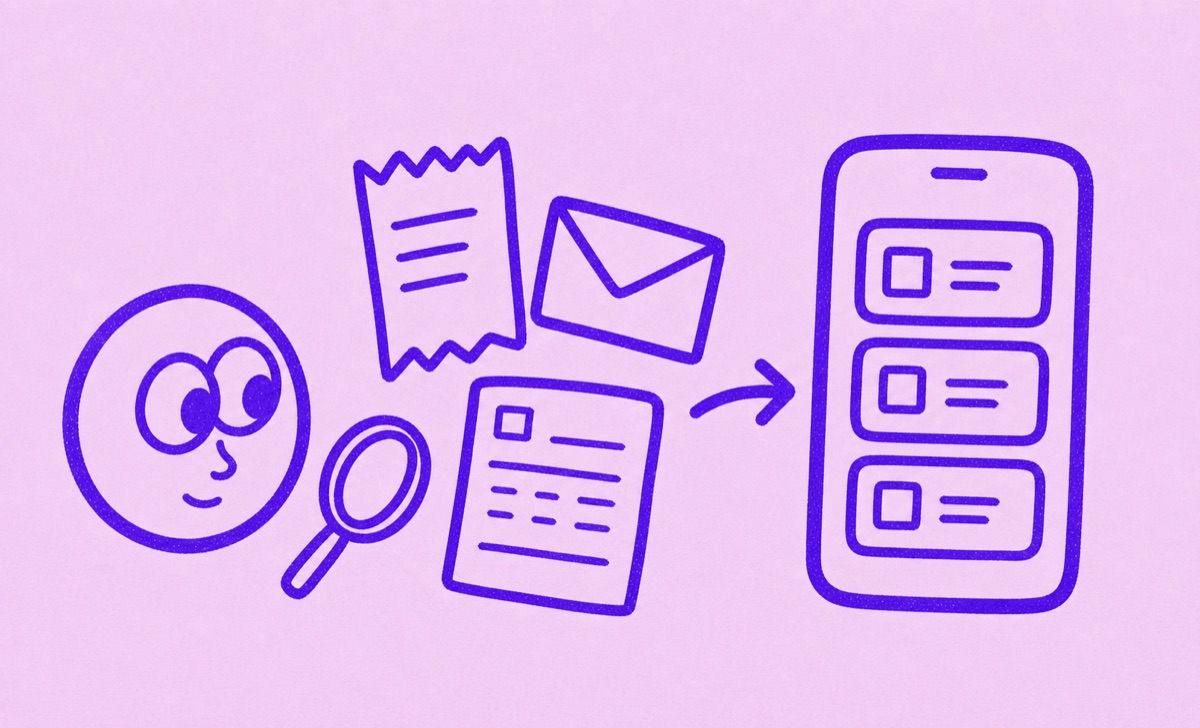
Start with the evidence
The best way to find forgotten subscriptions is to work through every place a renewal leaves evidence: App Store subscriptions, bank or card statements, PayPal, email receipts, notes, and the apps you use often. Look for repeated charges, annual payments, trial conversion emails, and receipts from payment processors. Then move each active subscription into one tracker so future renewals are visible before they charge again.
Start with the highest-signal sources
Most people do not have one perfect source of truth for subscriptions. Some renew through Apple. Some renew through a website. Some are paid through PayPal. Some appear only as a card charge. Some started as a free trial and became a paid plan months ago.
Start with the places most likely to contain active subscriptions:
- App Store subscriptions on your iPhone.
- Recent bank and credit card statements.
- PayPal automatic payments.
- Email receipts from Apple, Google, Stripe, Paddle, PayPal, and individual services.
- Notes, spreadsheets, screenshots, or old lists where you may have tracked subscriptions before.
- The apps and services you use every week.
Do not try to make the first pass perfect. The goal is to collect candidates. You can confirm, cancel, or archive them later.
Use bank statements to spot recurring charges
Bank and card statements are useful because they show what actually charged. They are also messy because merchant names are inconsistent. A streaming service might be obvious. A software subscription may appear under a payment processor, parent company, or abbreviated merchant name.
Start with three months to spot monthly patterns, then review a full 12 months for annual charges. Checking only the same month last year can miss a yearly payment made in any other month. Repeat the check for each card or account you use.
Look for:
- Same merchant, same amount, monthly.
- Same merchant, changing amount, monthly or yearly.
- App stores, payment processors, cloud storage, AI tools, streaming services, productivity tools, fitness apps, newsletters, and memberships.
- Small charges that look harmless individually but repeat.
- Charges that happen after a trial period.
When you find a likely subscription, record the name, amount, renewal date, billing cycle, and payment method. If the merchant name is unclear, search your email for the amount or merchant text before deciding what it is.
Use email receipts to identify the real service
Email often explains what the statement cannot. Search your inbox for words and senders that commonly appear in subscription receipts:
- "receipt"
- "invoice"
- "subscription"
- "renewal"
- "trial"
- "your plan"
- "payment"
- "Apple"
- "Google"
- "Stripe"
- "Paddle"
- "PayPal"
Search for exact amounts too. If your bank statement shows a recurring charge for 9.99, searching your email for "9.99" can reveal the service, plan, and billing date.
Email is especially helpful for annual subscriptions. A yearly receipt may include the renewal period, plan name, account email, cancellation link, or billing portal. Save those details into your tracker while you have the receipt open.
Check Apple and app-store subscriptions
On iPhone, some subscriptions are managed directly through the App Store. These are usually easier to confirm because Apple shows active and expired subscriptions in one place.
On iPhone, open Settings, tap your name, then tap Subscriptions. Use this source for app subscriptions, streaming trials, productivity apps, health apps, and any service you started inside an iOS app. If a subscription is active there, add it to your tracker with the next renewal date and billing cycle.
This step matters even if you already reviewed bank statements. App Store charges can be grouped under Apple, which makes it harder to know which service caused the charge by looking only at a statement.
Turn candidates into a clean renewal list
After the evidence pass, you will have a rough list. Some items will be active subscriptions. Some will be one-time purchases. Some will be cancelled services. Some will be duplicates.
Clean the list by asking:
- Is this still active?
- When does it renew next?
- Is it monthly, yearly, weekly, or a custom cycle?
- Which payment method is used?
- Is it a free trial, paid subscription, paused subscription, or cancelled subscription?
- Do I still use it?
- Do I need a reminder before it renews?
This is where a focused tracker helps. A spreadsheet can store the facts, but it usually does not make renewal timing easy to live with. A broad budgeting app may show spending, but subscription review can become one feature inside a much larger dashboard. Orbit's job is narrower: keep subscriptions, trials, and renewals visible.
If a statement import fails
Keep the original statement so you can check the results. Follow the recovery message in Orbit if the file is too large or cannot be read. You can also add a confirmed subscription manually instead of repeating an upload that keeps failing.
If you use Magic Import with typed or pasted details, include the service name, amount, billing cycle and next renewal date. Review the suggestions against the receipt before saving. An old charge date alone does not establish the next renewal date.
Compare new suggestions with your existing list. One subscription may appear in both a statement and an email receipt; keep one confirmed entry for the same plan.
How Orbit helps
Orbit is useful once you have subscription candidates from statements, receipts, app stores, or notes. Add each subscription to Orbit so the list becomes easier to review on iPhone. The value is not only the first cleanup. The value is having renewals stay visible over time.
With Orbit, you can:
- Add confirmed subscriptions and their next renewal dates.
- Use Magic Import to turn statements, screenshots, CSVs or pasted details into suggestions.
- Review those suggestions before saving.
- Set reminders before trials and regular renewals.
That last point matters. Many people want an app to find every subscription automatically. The practical workflow is still to gather evidence from the places subscriptions leave traces, then use Orbit to keep the confirmed list visible and useful.
A simple review routine
Use this routine once, then repeat it monthly or quarterly:
- Review App Store subscriptions.
- Check bank and card statements for repeated charges.
- Search email for receipts and renewal notices.
- Add active subscriptions to Orbit.
- Mark trials and annual renewals clearly.
- Cancel what you no longer use.
- Review the list before the next renewal cycle.
For annual subscriptions, set a review habit before the renewal month. Annual plans are often where people lose track because the charge is rare and the original purchase decision is old.
Common traps to avoid
Do not rely only on memory. Most people remember the obvious subscriptions and miss the quiet ones.
Do not assume every payment processor charge is a subscription. Some are one-time purchases or invoices.
Do not assume every subscription appears in the App Store. Many services bill directly through their website.
Do not keep the final list scattered across email, notes, statements, and screenshots. Those sources are useful for discovery, but they are not a good long-term renewal system.
Keep one reliable renewal list
Finding forgotten subscriptions is an evidence-gathering job. Bank statements show what charged. Email receipts explain what the charge was. App stores show app-managed plans. Notes and screenshots capture what you already knew. Orbit helps turn that scattered evidence into a focused iPhone subscription list you can keep reviewing before renewals happen.
For a shorter first pass, use How to find forgotten subscriptions. If you already have the evidence ready, see Magic Import. For a yearly check, use How to review annual subscriptions before they renew.