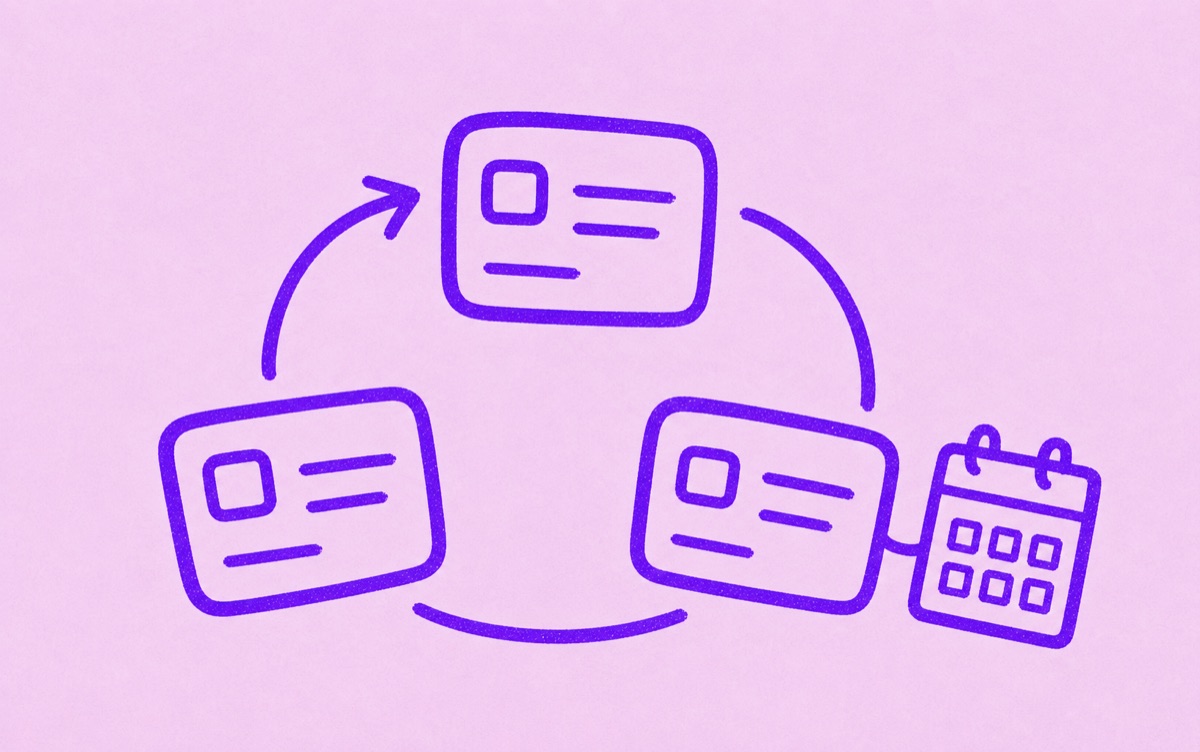
Recurring charges come back on a schedule
Recurring charges are payments that repeat. They can be subscriptions, memberships, app plans, cloud storage, insurance, software tools, or household services. Some renew every month. Others renew yearly or on another schedule.
The hard part is not understanding one charge. It is seeing all of them together.
A recurring charge usually follows an agreement you made earlier: the provider keeps permission to bill the saved payment method until you cancel or the agreement ends. The amount may stay fixed, like a streaming plan, or change, like a utility or usage-based software bill.
Why recurring charges get forgotten
Recurring charges are easy to miss when:
- the amount is small
- the renewal is annual
- the service name on the statement is unclear
- the trial started months ago
- the subscription is billed through a different account
- several people in a household use the same payment card
One forgotten charge may not feel serious. Many forgotten charges can quietly make your monthly spending feel heavier.
If you do not recognise a charge, start with the exact statement description, amount, and date. Search your email for the amount or merchant name, check Apple and Google Play subscriptions, and review PayPal or other payment wallets. Contact the card provider promptly if the charge still looks unauthorised.
Separate useful from unwanted
The goal is not to cancel everything. Some recurring charges are worth keeping because they save time, support work, or make life better.
The useful question is:
"Would I choose this again before the next renewal?"
That question is easier to answer when the renewal date, price, and payment source are visible.
Track recurring charges in one list
Start from your App Store subscriptions, statements, email receipts, and payment wallets. Add confirmed recurring charges to one list. Then review what renews soon.
Orbit is designed for this subscription-focused version of recurring-charge tracking on iPhone. It keeps recurring services, trials, and renewals clear without asking you to build a full finance dashboard.
For setup help, read How to find forgotten subscriptions, How to manage subscriptions, and How to track subscriptions manually.