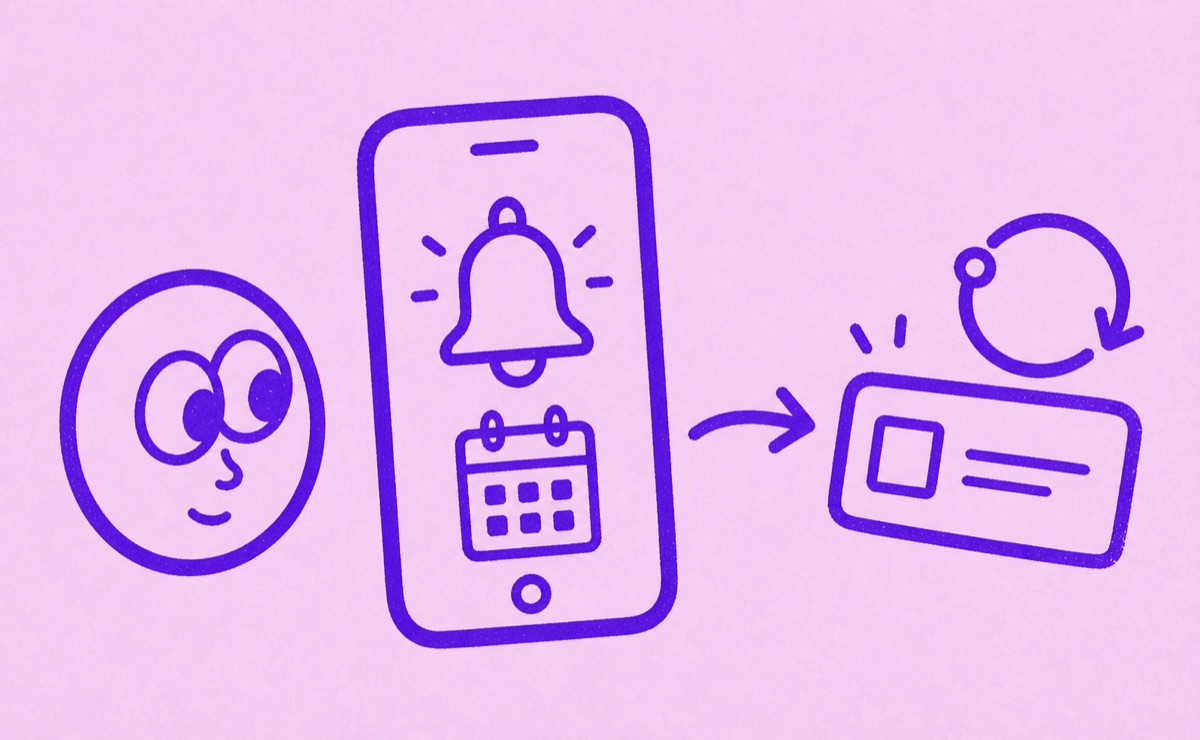
Start with a confirmed renewal date
Orbit’s reminders help you review subscriptions before trials end or regular payments renew. Add the subscription, confirm its next billing date and cycle, and choose reminder timing that gives you time to act. A reminder does not cancel the subscription; you still need to complete cancellation with the company that bills you.
Check the details before relying on a reminder
- Open the provider’s account or recent renewal notice.
- Confirm the next charge date and billing cycle.
- Check the matching details in Orbit.
- Choose an available reminder time before the decision deadline.
- Check that iPhone notifications are allowed for Orbit.
In iPhone Settings, open Notifications and select Orbit to review permissions. Also review Focus and scheduled notification settings if alerts are arriving later than you expect. Keep an independent calendar reminder for a deadline you cannot afford to miss.
Give annual plans enough lead time
A same-day reminder may leave too little time to check whether your family still uses a service or to move files before access ends. Review annual plans ahead of renewal month and choose reminder timing around the provider’s cancellation deadline.
An annual contract paid monthly has two dates to consider: the next installment and the end of the commitment. Use a separate calendar entry for a notice deadline if it does not match the renewal reminder. The annual-review guide walks through those checks.
Treat trials as a decision deadline
Check when the trial ends and what happens if you cancel early. For Apple-billed trials, Apple recommends canceling at least 24 hours before the end if you do not want renewal. Give yourself more time if you need to find the account or compare alternatives.
Follow the iPhone cancellation guide to finish the task. Dismissing a reminder does not stop the charge.
If the expected alert does not arrive
Check the saved renewal date, billing cycle, reminder selection and notification permissions. If you changed a plan with the provider, update the saved details too. Do not postpone a cancellation while troubleshooting an alert: open the billing account directly.
After cancellation, keep the confirmation and update the subscription’s status in your tracker so your active list reflects what you still pay for.