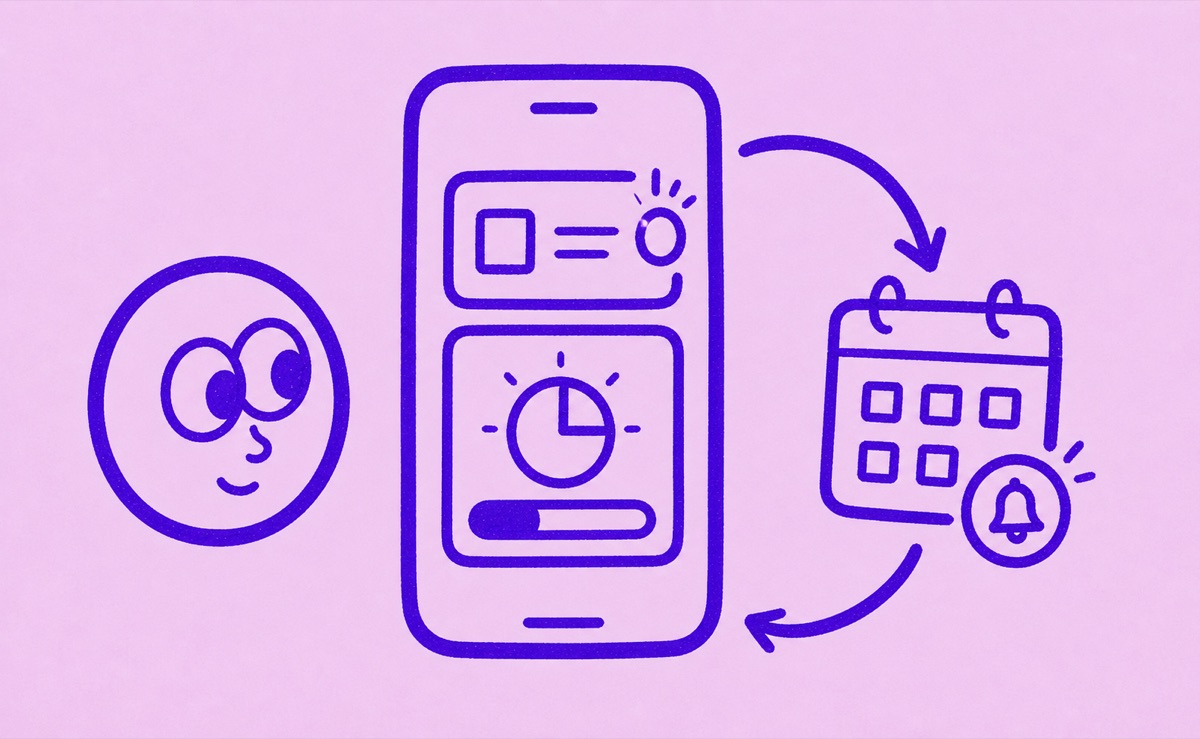
Free trials need an early review habit
The best way to track free trials on iPhone is to record them as soon as you start them, keep the end date visible, and give yourself enough warning to decide before they convert into paid subscriptions. The hard part is not knowing what a free trial is. The hard part is remembering it when enough time has passed that the original signup feels unimportant.
Orbit is useful here because it keeps trials and renewals in the same focused system instead of leaving them scattered across email, memory, and App Store menus.
Start at the moment you sign up
The easiest time to track a free trial is right away.
When you start one, capture:
- the service name
- the trial end date
- the price after the trial
- where it renews from
- whether you already think you want to keep it
If you wait until later, the friction goes up and the chance of forgetting goes up too.
Check both Apple and direct billing
Some free trials are tied to App Store subscriptions. Others are started directly through a company's website or checkout flow. That matters because the billing and cancellation path may live in different places.
A simple iPhone trial-tracking routine usually includes:
- opening Settings, tapping your name, then Subscriptions for Apple-billed trials
- checking email for trial and renewal receipts
- adding the trial to one dedicated tracker
That last step is what helps the information stay useful after the signup moment passes.
If the trial does not appear in Apple subscriptions, check the provider website, Google Play, PayPal, Amazon, your carrier, or the receipt. Deleting the app does not cancel a trial.
Apple advises canceling some free or discounted trials at least 24 hours before the trial ends. Other providers use their own deadlines, so follow the provider's terms when they are stricter.
Why notes are not enough for long
Notes can be fine for one or two trials. They are weak when you start stacking streaming plans, software tools, cloud services, and smaller experiments across a few months.
The problem is not storing the words. It is keeping the date visible at the right time.
That is why a focused tracker usually works better than a plain note. The product is built around dates, renewals, reminders, and recurring review.
How Orbit helps
Orbit is a good fit for free-trial tracking because trials sit naturally inside the same system as your regular subscriptions. That keeps the review habit simple:
- add the trial
- set the reminder
- decide whether to keep or cancel
If you already have subscription evidence scattered across screenshots, receipts, or statements, What is Magic Import in Orbit? can help you bring that setup work into one place.
A small routine that works
Use this routine whenever you start a new trial:
- add it the same day
- note the price after the trial ends
- set a reminder before the conversion date
- review whether it earned a place in your monthly or annual spending
That is usually enough. Free trials do not need a complicated system. They need a system that is easy to trust when life gets busy.
For the reminder side, read How subscription reminders work in Orbit. For the broader category fit, read focused subscription tracker vs budgeting app.