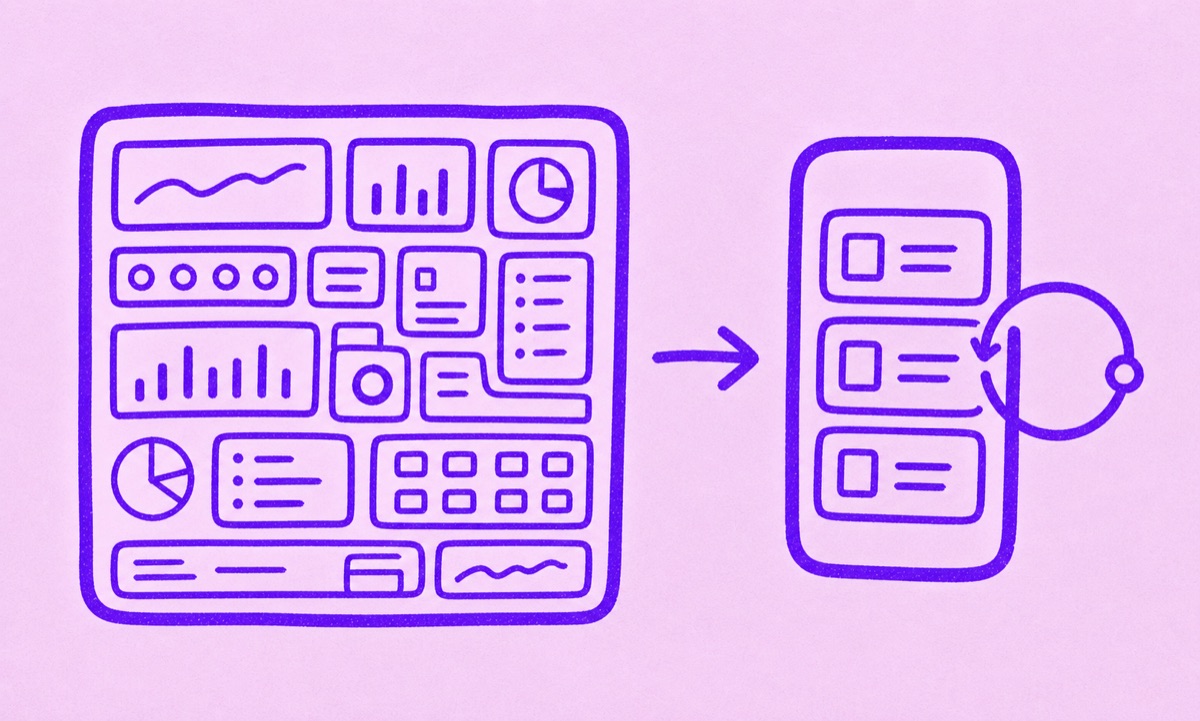
Which kind of app should you choose?
Choose a focused subscription tracker if your real problem is renewals. That usually means you want one clear place to see what you pay for, what renews next, which free trials need attention, and which annual plans are easy to forget. Choose a budgeting app if you want a wider system for bank accounts, spending categories, cash flow, debt, investments, or household planning.
The difference is not which app is more powerful. The difference is which job you need done.
A budgeting app solves a bigger problem
Budgeting apps are built to give you a broad view of your financial life. They often include account connections, transaction feeds, category budgets, cash-flow views, and long-range planning.
That can be useful. It can also be more system than you need if your actual frustration is smaller and more specific:
- surprise renewals
- forgotten annual plans
- trials that convert quietly
- recurring software and app charges spread across different accounts
If that is the pain, a full finance dashboard can feel like opening a control center when you really needed a calendar and a short list.
A focused subscription tracker solves the renewal problem
A focused subscription tracker should help you answer a few questions quickly:
- What am I still paying for?
- What renews this week or this month?
- Which subscriptions are no longer worth it?
- Which annual charges should I review before they come back around?
Orbit is designed around that narrower job. It is not trying to become your entire money system. It is built to keep subscriptions, recurring bills, free trials, and reminders visible on iPhone.
When a focused tracker usually feels better
A focused tracker is often the better fit when you:
- do not want to connect every financial account just to track subscriptions
- want a calmer interface than a broad finance dashboard
- mainly care about recurring charges, not total net worth or category budgeting
- want to build a review habit around renewals rather than a full monthly budget routine
This is also where Orbit's setup path makes sense. You can find subscriptions from bank statements and email receipts and then keep the confirmed list visible in one place.
When a budgeting app is the better answer
A budgeting app is usually better if you want:
- linked accounts and transaction feeds
- category budgets and rollovers
- cash-flow planning
- investment or net worth tracking
- one place for all spending, not only subscriptions
That is a different product category. It is not wrong. It is just broader.
How Orbit fits
Orbit fits people who want subscription clarity without turning the task into a larger finance project. It is strongest when you want to review renewals, stay ahead of trials, and keep recurring costs visible on iPhone.
If you are deciding between product categories, start there. If the question in your head is "Where is all my money going?" a budgeting app may be the right first step. If the question is "What am I subscribed to, and what is about to renew?" Orbit is the better shape of tool.
For a more specific product comparison, read Orbit vs Rocket Money or Orbit vs Copilot Money.