Streaming subscriptions are easy to underestimate
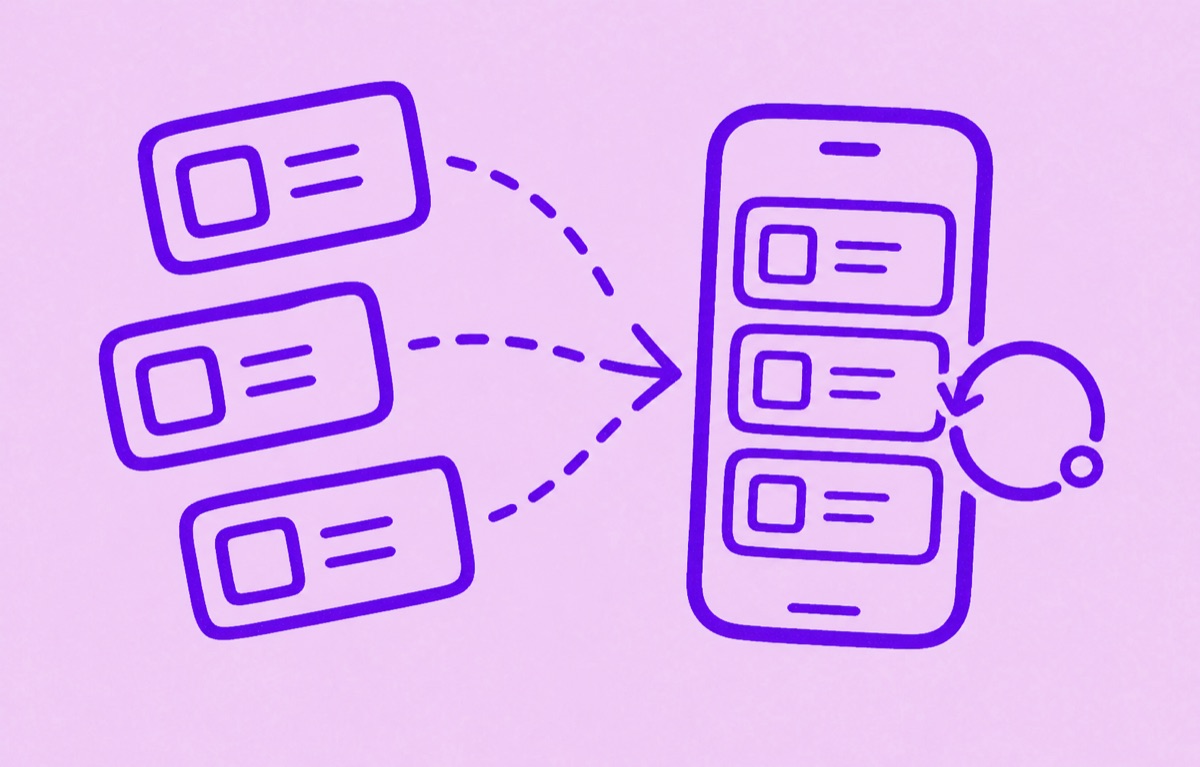
Streaming subscriptions feel small because each one seems manageable on its own. The problem shows up when music, video, sports, cloud media, and add-on channels all renew on different dates. A good tracking system makes those services visible together, so you can decide what still earns a place and what only survived because it was easy to forget.
Orbit is a good fit for this because it keeps recurring charges, renewal dates, and annual costs easier to review on iPhone.
Build one streaming list first
Start with every service that delivers entertainment or media on a recurring basis:
- video streaming
- music subscriptions
- sports passes
- gaming memberships with recurring billing
- add-on channels billed through another service
The goal is not to optimise everything on day one. It is to see the full stack in one place.
Mark which subscriptions overlap
The most useful question is not only "What do I pay?" It is "Which of these do the same job?"
That helps you spot:
- two services carrying similar content
- seasonal subscriptions you only need part of the year
- channels added through a bundle that no one still watches
Once overlap is visible, cancelling becomes much easier.
Treat annual plans differently
Some streaming plans hide inside annual billing, where they avoid attention for months at a time. Those should be marked clearly with the renewal month and the full yearly cost.
That makes it easier to review them before the renewal happens, instead of after the charge lands.
How Orbit helps
Orbit keeps streaming renewals visible in the same system as the rest of your subscriptions. That matters because streaming rarely causes waste as one giant mistake. It causes waste through quiet overlap, forgotten renewals, and plans that outlive the reason you bought them.
Keep the review light
You do not need to question every subscription constantly. A short monthly check is usually enough, plus a separate review before any annual streaming renewal.
That rhythm helps you keep the services you still enjoy while cutting the ones that became background spending.
For the broader clutter problem, read How to stop subscription creep. For household viewing plans, read How to track family subscriptions.