Start with your Planet Fitness account
Planet Fitness memberships can be tied to a home club, local agreement, and billing date, so start with the account and club that actually bills you.
- Sign in to your Planet Fitness account.
- Check the membership or billing area for your active plan.
- Confirm the home club, monthly due date, and annual fee date.
- Look for any cancellation option shown in your account.
- If the account does not give a clear online cancellation route, contact your home club directly.
- Save the confirmation message, email, or written record once the membership is canceled.
Do not rely on uninstalling the app, stopping visits, or ignoring check-in reminders. The membership is a billing agreement, not just an app setting.
Check your home club and agreement
Planet Fitness locations and membership types can have different rules. Before you assume the cancellation is done, check:
- the exact home club on your membership
- whether your plan has a commitment period
- whether an annual fee is still scheduled
- whether cancellation must happen before a billing cutoff
- whether your club asks for an in-person, account, or written request
If the account screen and the club give different instructions, treat the club and your signed agreement as the source of truth. Keep a copy of anything that shows the cancellation date.
Watch the next billing date
Gym memberships are easy to forget because they often renew quietly and may include both monthly and annual charges. After you cancel, write down:
- the plan name
- the home club
- the cancellation date
- the final access date
- the last charge you expect
- any annual fee, buyout, or notice-period detail shown by Planet Fitness
That record helps if another charge appears after the cancellation window.
Keep memberships visible before they renew
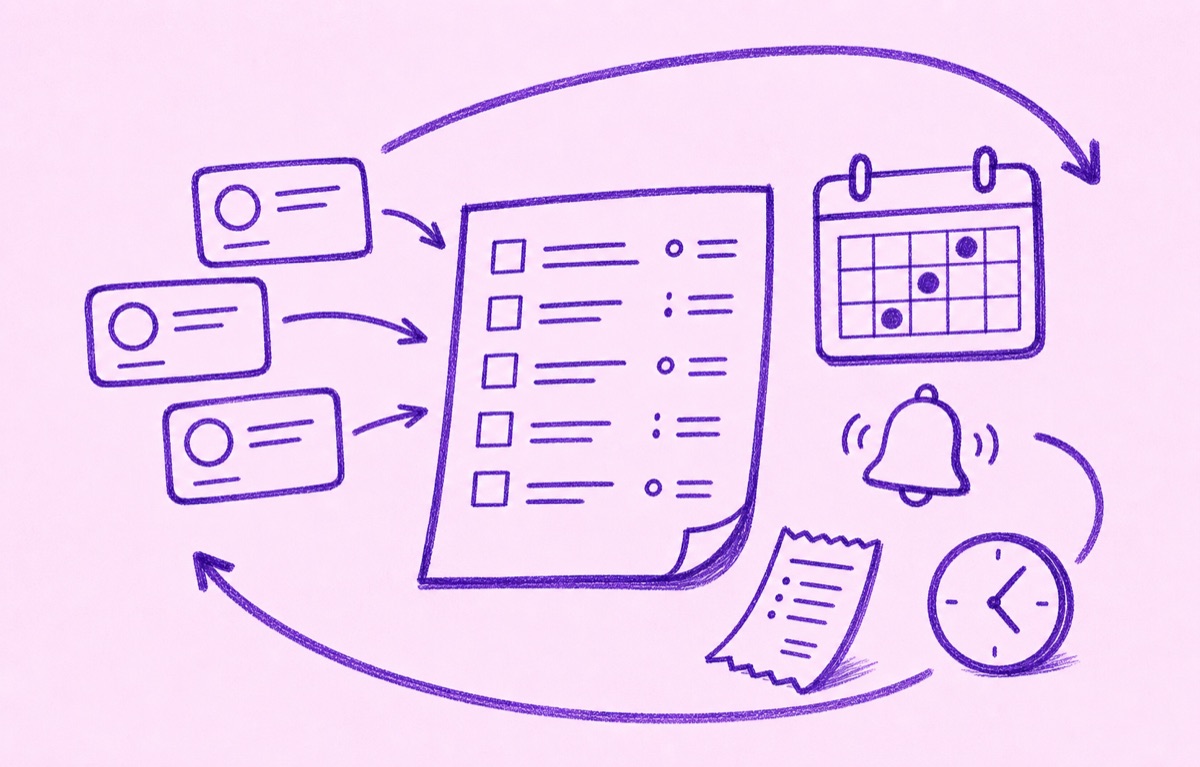
Canceling Planet Fitness handles one membership. Orbit helps you keep the rest visible.
Add the memberships and subscriptions you want to keep, see what renews next, and set reminders before regular renewals or annual fees are due. When everything is in one list, it is easier to spot the services you no longer use and cancel them before the next charge.
For a wider cleanup, read How to cancel subscriptions and track what renews next and How to review annual subscriptions before they renew.