Start with the billing source
The fastest way to cancel a subscription is to find who actually bills you. The app you use and the company that charges you are not always the same.
- Check the receipt or card statement for the billing name.
- Check Apple subscriptions if the charge may be tied to your Apple Account.
- Check Google Play subscriptions if the charge may be tied to a Google account.
- Check the service's own account or billing page.
- Check any bundle provider, carrier, family account, or team admin.
- Cancel from the billing source that actually controls renewal.
- Save the confirmation email or final cancellation screen.
Deleting an app is not a reliable cancellation method. The recurring charge usually keeps renewing until the billing source confirms cancellation.
Cancellation guides
Use the guide that matches the charge you are trying to stop:
- How to cancel Audible membership
- How to cancel Canva subscription
- How to cancel an Apple TV subscription
- How to cancel Adobe subscription
- How to cancel Rocket Money Premium
- How to cancel Netflix subscription
- How to cancel Spotify Premium subscription
- How to cancel Disney Plus subscription
- How to cancel YouTube Premium subscription
- How to cancel Amazon Prime subscription
- How to cancel Apple Music subscription
- How to cancel subscriptions on iPhone
If the service is not listed yet, the same pattern still helps: find the billing source, sign in to the right account, cancel from the billing page, and keep proof.
What to save after canceling
After a cancellation, write down:
- the service name
- the account email
- the cancellation date
- the final access date
- the billing source
- any confirmation number or email
- whether a refund or early-termination fee was shown
That record is useful if a charge appears later or if a family member, work account, or different app store account controls the subscription.
Make cancellation a calmer habit
Canceling one subscription is useful. Reviewing everything that renews is better.
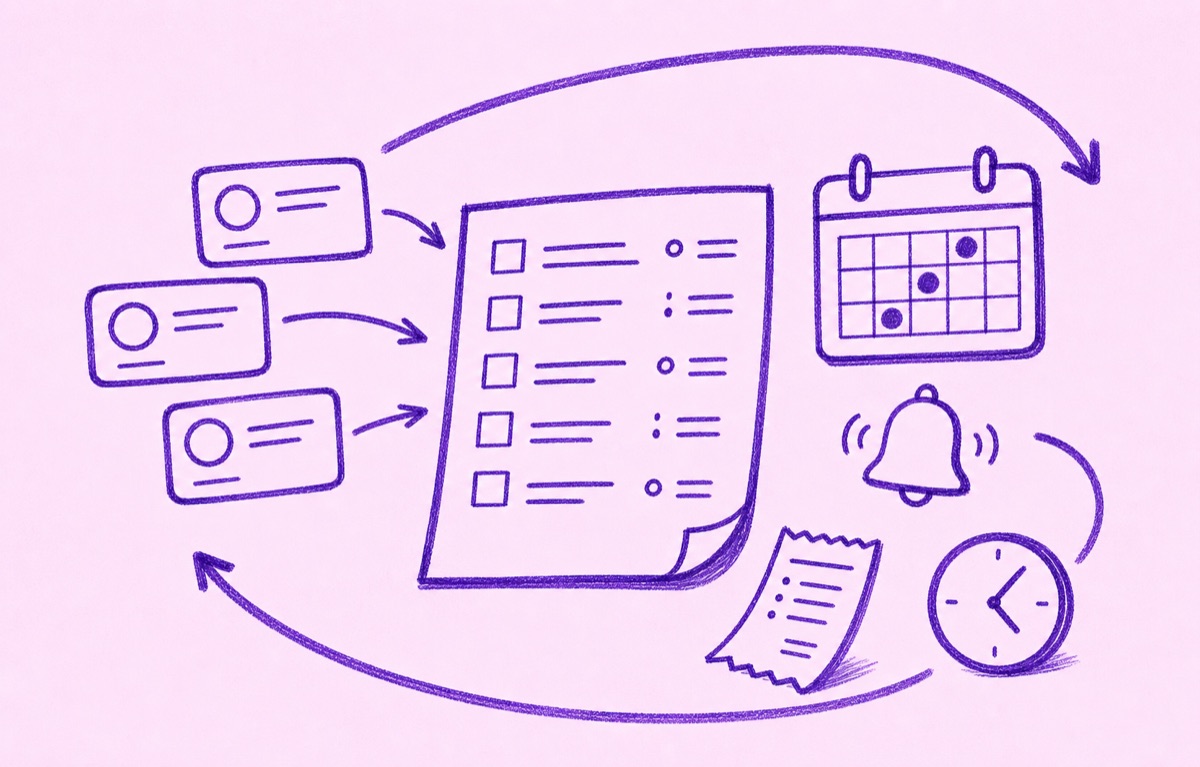
Orbit helps you keep subscriptions, trials, renewals, and regular bills visible on iPhone. Add what you want to keep, set reminders before trial endings and renewal dates, and review your list when something stops feeling worth it.
The goal is not to cancel everything. It is to stop being surprised by the things you meant to review.
For the ongoing system, read How to manage subscriptions, How to find forgotten subscriptions, and Subscription reminders.