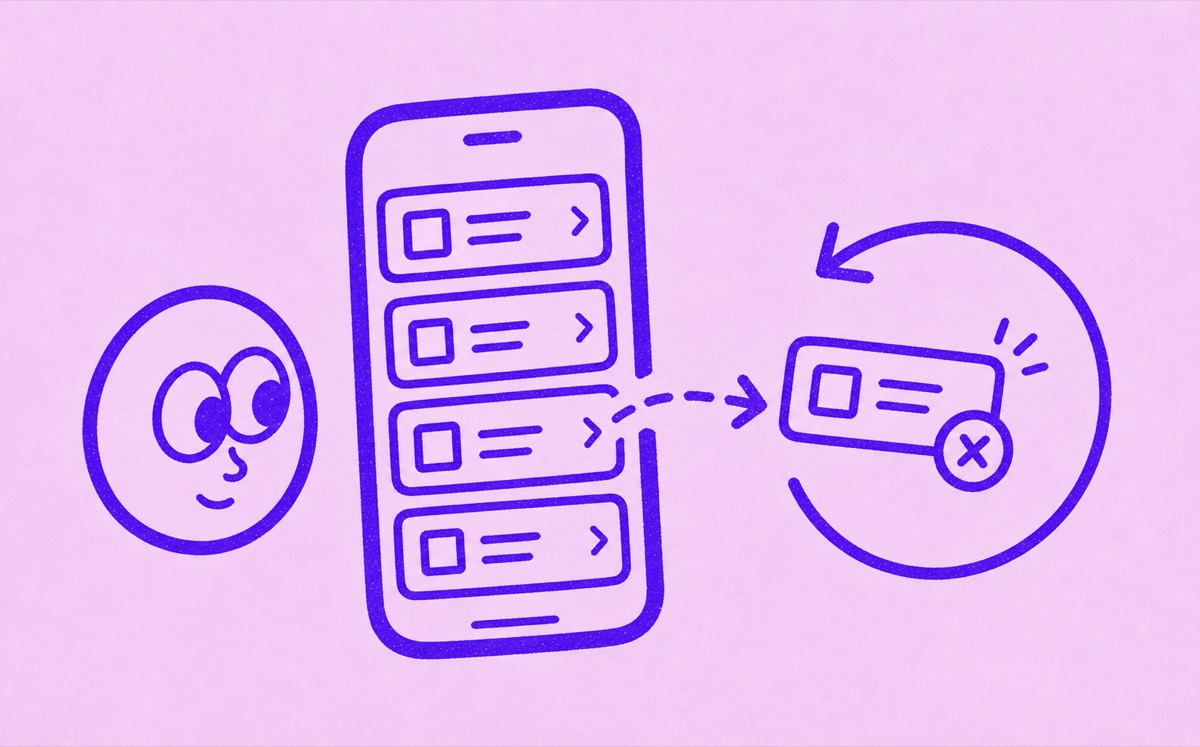
Cancel an Apple-billed subscription in Settings
On your iPhone, open Settings → your name → Subscriptions. Select the subscription, tap Cancel Subscription, and follow the confirmation. If a company other than Apple bills you, cancel with that company instead. Deleting the app does not end its subscription.
- Open Settings.
- Tap your name.
- Tap Subscriptions.
- Choose the subscription.
- Tap Cancel Subscription and complete any confirmation.
- Check the expiration date shown for the plan.
Apple says a missing cancel button or a red expiration message means the subscription is already canceled. If you cannot find the plan at all, use the receipt checks below instead.
If the subscription is not listed
Not every subscription on your iPhone is billed by Apple. Some services bill directly through their own website, card processor, PayPal, Amazon, Google Play, or another account system.
If you do not see the subscription in iPhone settings, check:
- the service's own app or website
- your email receipts
- recent card and bank statements
- PayPal or another payment wallet
- the account you used to sign up
Search for an Apple receipt and check which Apple Account it names. If it belongs to a family member, ask that person to cancel. If it names another account you own, use that account. Without an Apple receipt, check the company named on your bank or card statement.
Check access and trial deadlines
Before canceling, read when access will end. Do not assume a free trial will remain available after cancellation. Apple recommends canceling a trial at least 24 hours before it ends if you do not want renewal.
Canceling renewal and requesting a refund are separate tasks. Save the cancellation confirmation even if you also contact Apple about a charge.
Use one quick review before you cancel
Before canceling, check:
- whether the subscription is monthly, annual, or still in a trial
- whether anyone else in your household uses it
- whether the plan is billed through Apple or directly
- when access actually ends after cancellation
That takes a minute, but it saves a lot of confusion later.
Keep a record of what you canceled
After you cancel, write down:
- the service name
- the cancellation date
- the final access date
- whether you might restart it later
- any replacement service you are keeping
This gives you a clean record if the service charges again or if you forget why a subscription disappeared from your list.
Track what remains
Canceling is only half the job. The calmer habit is keeping a clear list of the subscriptions you still want, whether they are billed by Apple or by someone else.
Orbit helps with that second part. It gives iPhone users one focused place to track subscriptions, renewal dates, free trials, and recurring costs. That makes it easier to review what is active before the next charge instead of repeating the same cancellation search every month.
For the Apple-billed side, read How to track Apple subscriptions on iPhone. For the setup pass, read How to find subscriptions from bank statements and email receipts. For Apple service specifics, read How to cancel an Apple Music subscription and How to cancel an Apple TV subscription.
Sources
- Apple Support: If you want to cancel a subscription from Apple
- Apple Support: View, change, or cancel your subscriptions
- Apple Support: How to cancel Apple TV+