Cancel Premium from Rocket Money settings
To cancel Rocket Money Premium, open Settings → Membership → Manage Membership in the app. Move the fee slider to $0, choose Cancel Subscription, and complete the prompts. On the website, use Settings → Membership → Manage. Check the confirmation before leaving.
In the mobile app:
- Open Settings.
- Choose Membership.
- Tap Manage Membership.
- Move the monthly-fee slider all the way left to $0 per month.
- Choose Cancel Subscription.
- Follow the prompts until Rocket Money confirms the cancellation.
On the website:
- Open Settings.
- Choose Membership.
- Click Manage.
- Move the slider all the way left to $0 per month.
- Choose Cancel Subscription.
- Finish the prompts until Rocket Money confirms the cancellation.
Rocket Money says cancellation takes effect at the end of the billing cycle, with Premium features remaining available until then.
Do not stop at a retention offer or the $0 slider. The useful confirmation is a final screen or email that says Premium will end, together with the last day of access. If that confirmation does not appear, return to Membership and check the status again.
What continues after Premium ends
Canceling Rocket Money Premium does not delete your Rocket Money account. Rocket Money says deleting the account is a separate step, and recommends canceling Premium, active bill negotiations, and financial goals before deleting the account.
Active bill negotiations remain in place after Premium cancellation. Notifications and emails also continue unless you change your alert settings. Review those separately if you want to stop using the service.
Also check whether any bank or credit-card connections remain linked. Disconnecting a bank account is not the same thing as canceling Premium.
Before you leave, write down:
- the Rocket Money account email
- the date you canceled Premium
- the final Premium access date
- whether any bill negotiations are active
- whether you still want the free Rocket Money account
This helps separate "stop charging me for Premium" from "delete my Rocket Money data."
If the charge does not match the membership shown in your account, compare the receipt and account email before taking another action. Keep the confirmation and contact Rocket Money support if the status is unclear.
If you meant canceling a subscription through Rocket Money
Rocket Money also has a subscription cancellation assistant for Premium members. That is different from canceling Rocket Money Premium itself.
If you are trying to cancel another service through Rocket Money, use the Recurring tab, find the subscription, and follow Rocket Money's cancellation request flow or the self-cancellation instructions it provides.
If you are trying to stop paying for Rocket Money, use the Premium Membership settings instead.
Track subscriptions without a broad finance dashboard
Canceling Rocket Money Premium handles one recurring charge. The next question is what kind of system you actually want for the subscriptions you keep.
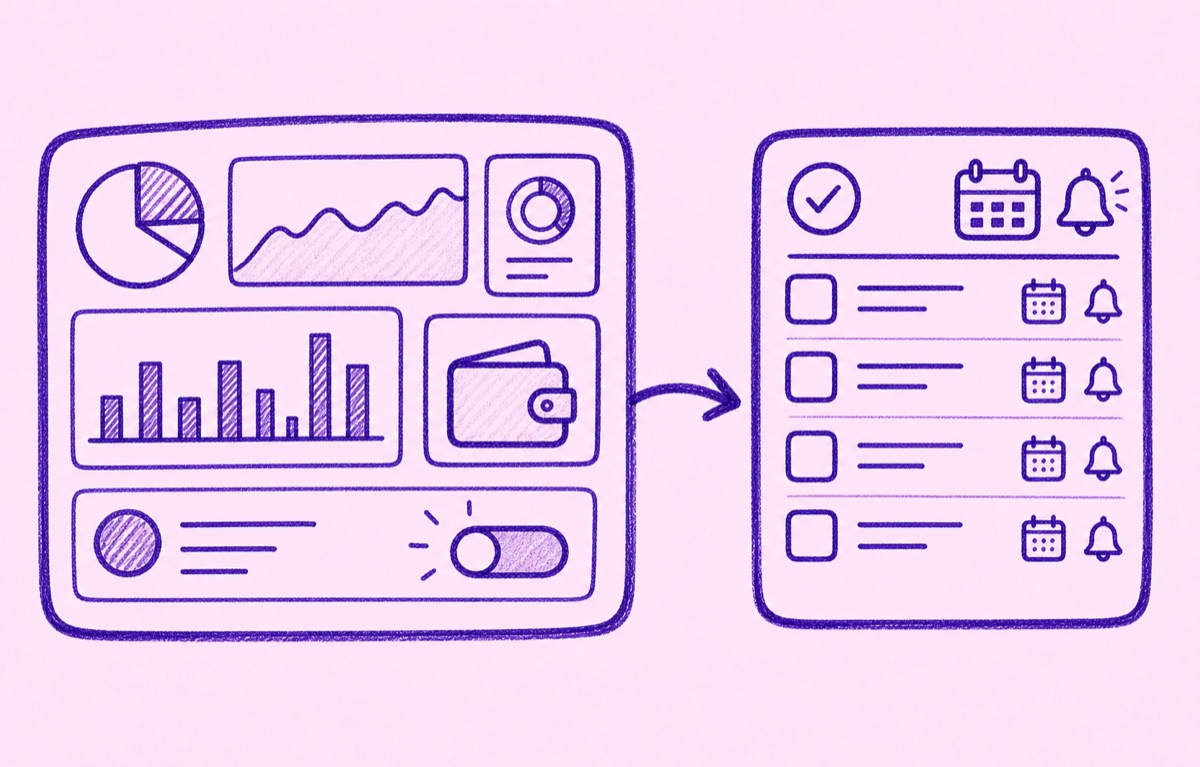
Orbit is for people who want a focused iPhone subscription tracker, not a broad personal-finance dashboard. Add the subscriptions and bills you want to keep, see what renews next, and get reminders before free trials end or regular renewals are due.
That makes the job smaller: track the recurring commitments you care about, review them before they renew, and cancel what no longer earns its place.
For the broader comparison, read Best Rocket Money alternative for subscription tracking and Orbit vs Rocket Money for subscription tracking.