Cancel in Amazon Music Settings
If Amazon bills your Amazon Music Unlimited plan directly, open Your Amazon Music Settings. In the Amazon Music Unlimited section, select the cancellation option in Subscription Renewal and confirm it. You can use the plan until the current billing period ends.
- Sign in to the Amazon account that has Amazon Music Unlimited.
- Open Your Amazon Music Settings.
- Find the Amazon Music Unlimited section.
- In Subscription Renewal, select the cancellation option.
- Confirm the cancellation.
- Save the confirmation or check the renewal status before closing the page.
Use the account on the receipt. Many households have more than one Amazon login, and the wrong account may not show the subscription.
Make sure Amazon is the company that bills you
If the Amazon account does not show the plan, check where you subscribed.
Amazon says plans bought through the Apple App Store, Google Play, or a mobile service provider must be cancelled with that provider. Check the receipt before you try to cancel. Look for:
- Apple subscriptions if you subscribed through an iPhone or App Store flow
- Google Play subscriptions if you subscribed on Android
- a carrier or bundle if Amazon Music came with another plan
- a family plan owner if someone else manages the account
- a Prime or Amazon account email that differs from your main address
On iPhone, go to Settings → your name → Subscriptions, choose Amazon Music, then choose Cancel Subscription. If there is no cancel button and an expiration date appears, Apple says it may already be cancelled. Cancel through the provider that controls the charge.
Pause is not cancellation
Some eligible monthly Amazon-billed plans can be paused instead. Amazon says a pause takes effect at the end of the billing cycle and resumes automatically later. It is not available for annual plans, trials, promotions, or plans billed through Apple, Google Play, or a mobile provider. Choose cancellation if you want future renewals to stop.
Separate Amazon Music from Prime
Amazon Music Unlimited is not the same as Amazon Prime. Canceling Prime may not cancel every music-related charge, and canceling Amazon Music Unlimited does not necessarily cancel Prime.
After cancellation, note:
- the Amazon account email
- the plan type
- the billing source
- the cancellation date
- the final access date
- any family, individual, student, or device plan detail
That makes it easier to understand what should renew and what should stop.
Track music subscriptions before they renew
Canceling Amazon Music handles one subscription. Orbit helps you keep the rest visible.
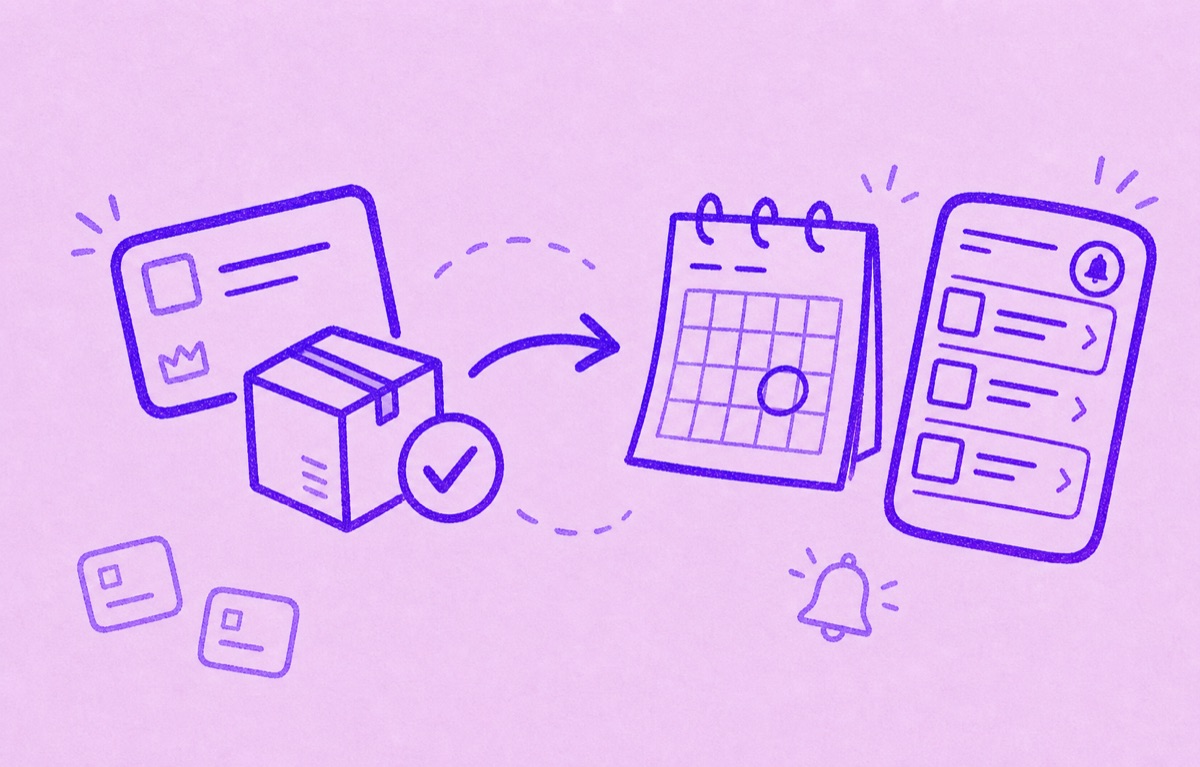
Add the subscriptions and bills you want to keep, see what renews next, and get reminders before trials or regular renewals are due. A focused list makes it easier to compare music, streaming, cloud, and software plans without turning it into a full budgeting project.
For related cleanup, read How to cancel Amazon Prime subscription, How to track streaming subscriptions, and How to cancel subscriptions on iPhone.